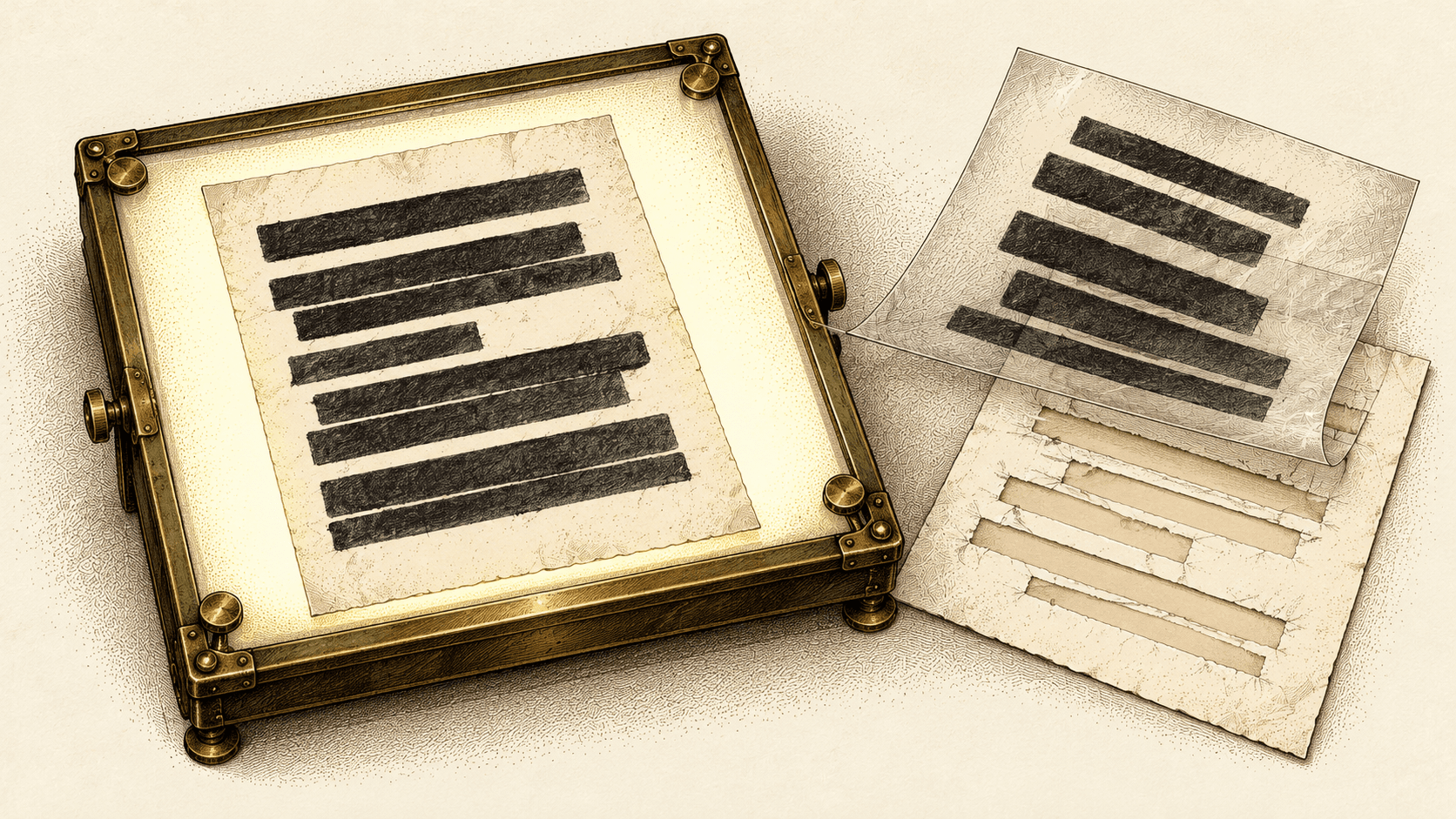
A reviewer opens your PDF and sees a black rectangle where a name used to be. That visual check does not establish which information remains inside the file.
Adobe's redaction and sanitization documentation, reviewed October 19, 2026, distinguishes removing visible text and graphics from removing hidden data such as metadata and embedded content. Treat those as separate checks before sharing a security report or evidence document.
A sample file makes the expected result testable
Create a disposable document containing an invented company name, an invented contact, and a conspicuous marker in its document properties. Export it using the same process your team uses for outbound reports. Keep the original in a separate folder so the two versions cannot be confused.
Write down the intended result before editing: the public section remains readable, the invented private contact is removed, and the property marker is absent from the shared copy.
Redaction marks must be applied before saving
In Acrobat, follow Adobe's documented redact, apply, sanitize, and save procedure, updated August 31, 2026. Use the equivalent documented procedure if your organization uses another tool.
A mark awaiting application is an editing state. A file saved after the operation is a different artifact. Give the outbound copy an unambiguous name and reopen that exact file from its final location.
Do not assume a screenshot of the editing window establishes what was attached to an email. The delivery step can select an older export or the untouched original even when the editing work was correct.
Visual inspection leaves hidden data unchecked
Inspect the reopened copy visually, search for the invented private text, and review the document properties and attachments your tool exposes. Have another person check the expected result if the real document will contain sensitive information.
A failed search is useful evidence for that test; it is not proof that every possible hidden object has been removed. Follow the tool's sanitization guidance and your organization's document-handling requirements rather than treating one shortcut as a complete inspection.
Keep a small release record: source document, sanitized version, reviewer, approved recipient, and actual file sent. These are proposed operating records, not a claim that a particular PDF application maintains them for you.
Replacing a file cannot recall downloaded copies
If the wrong version was shared, preserve the facts and use your incident-handling process to decide on access revocation, recipient contact, and further review. Replacing a portal file does not establish that an earlier downloaded copy disappeared.
For the next report, make the final checkpoint the attachment or download itself. Ask the reviewer to verify the file the recipient will receive, not the working document on the author's screen.